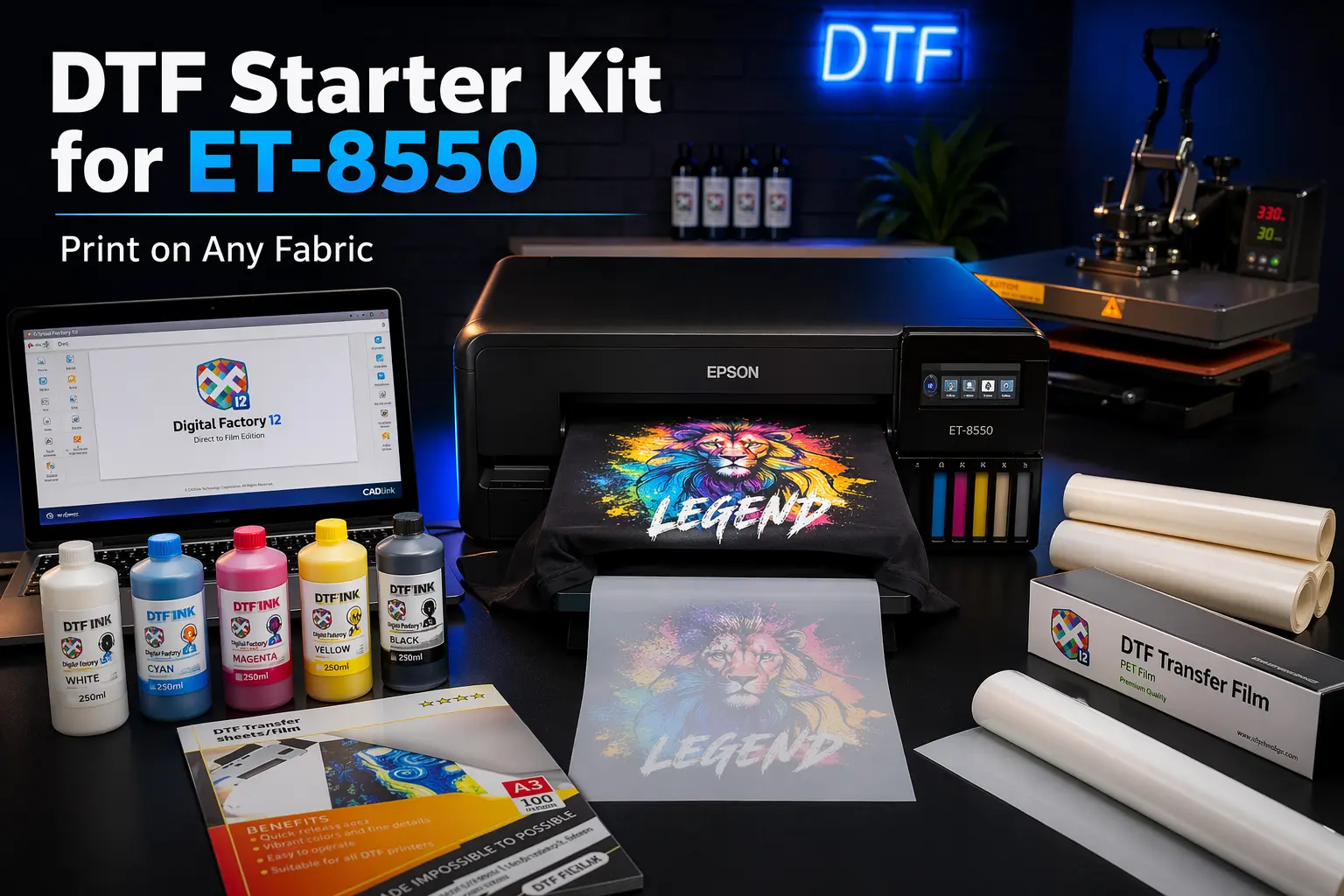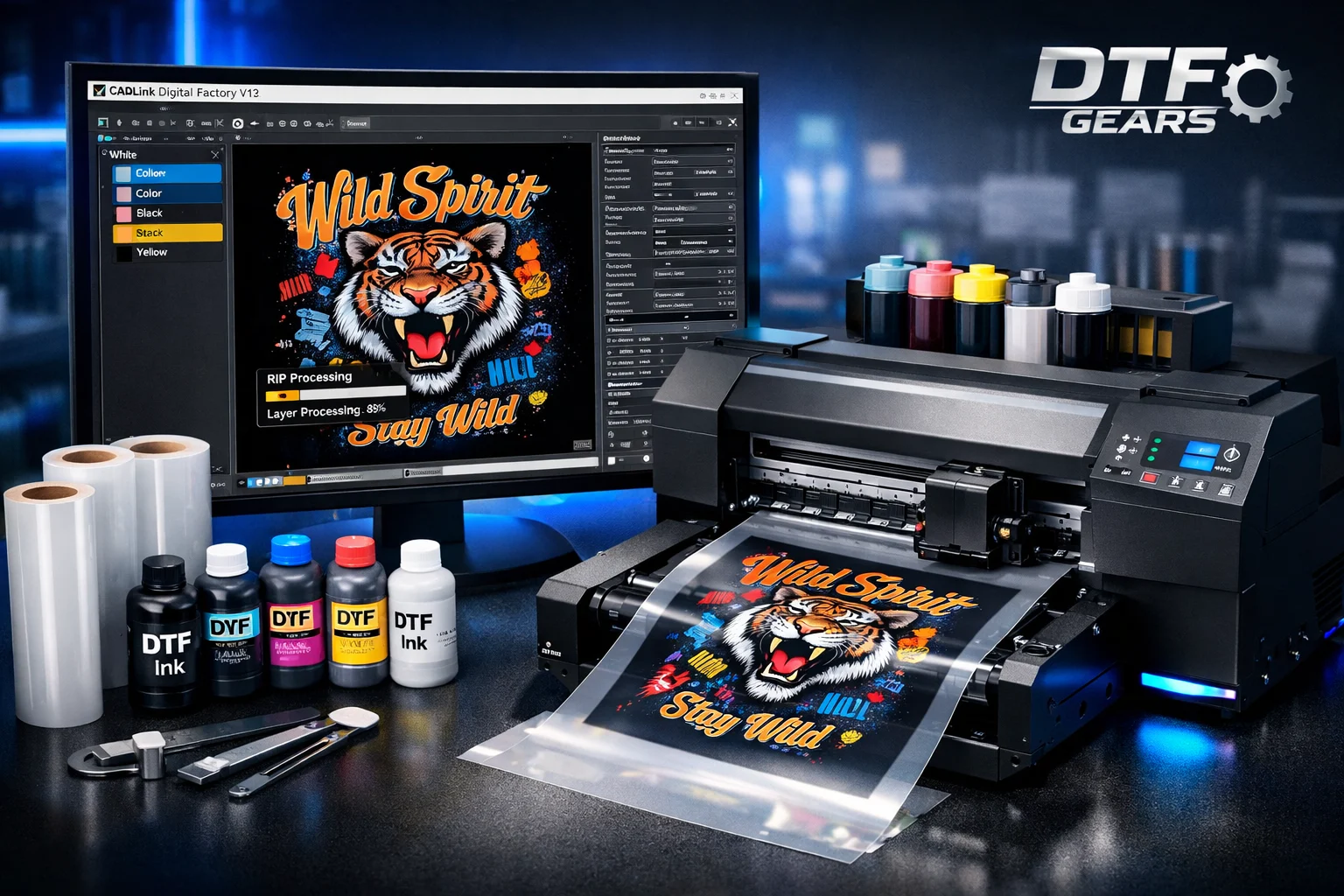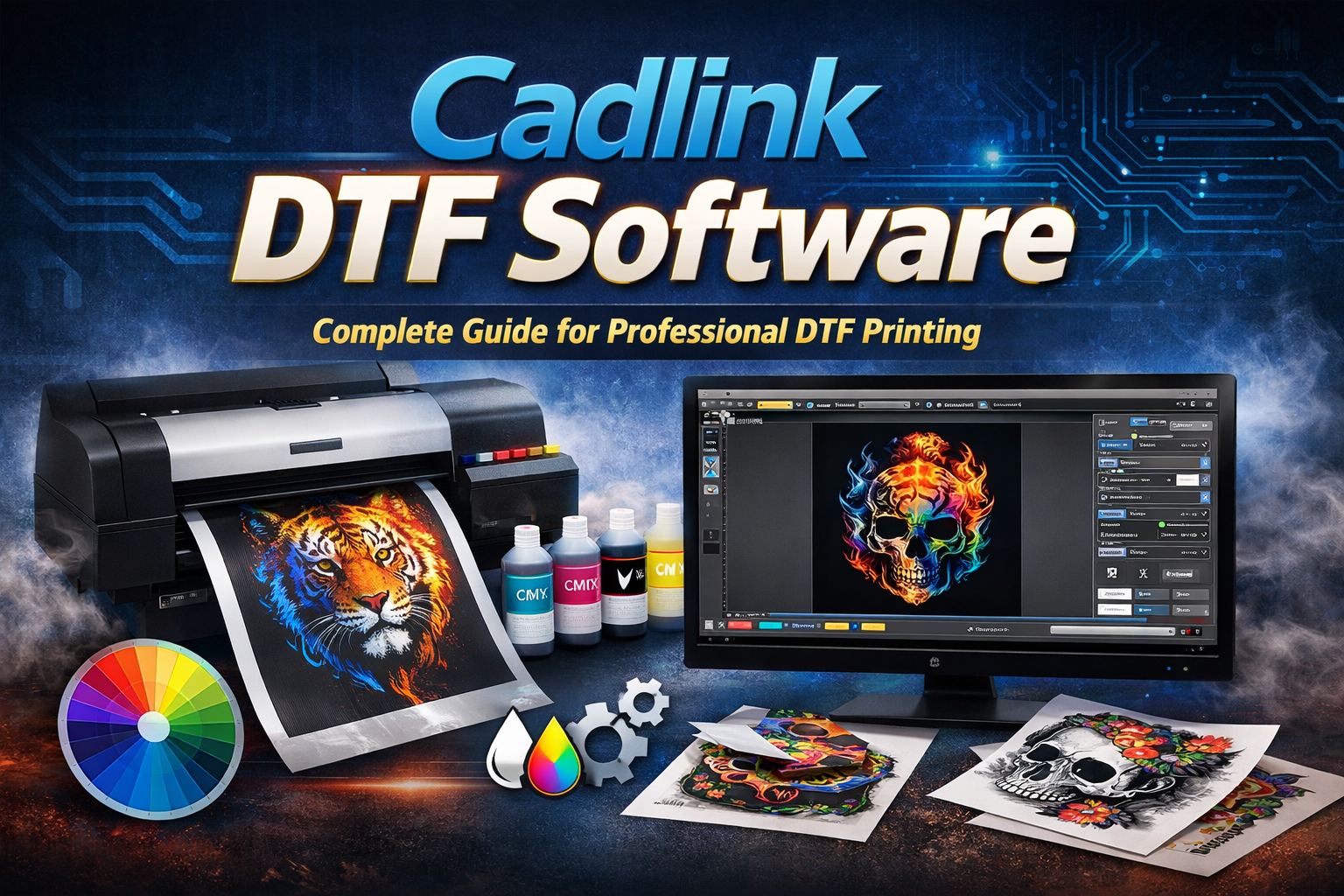
Direct-to-Film (DTF) printing has rapidly become one of the most efficient ways to produce high-quality garment prints. However, the real power behind any DTF setup lies in the software controlling the printing process. Cadlink DTF Software is one of the most trusted RIP solutions used by professionals to manage color, white ink layers, and production workflows.
In this guide, you’ll learn what Cadlink Software is, how it works, its key features, and why it’s essential for achieving professional DTF prints.
What is Cadlink DTF Software?
Cadlink Software is a specialized RIP (Raster Image Processor) designed to convert digital artwork into printer-ready files for Direct-to-Film printing. It acts as the bridge between your design software and your DTF printer, ensuring the design prints accurately on transfer film.
Unlike regular printing programs, Cadlink processes artwork, manages white ink layers, controls color profiles, and optimizes print resolution to deliver sharp and vibrant prints.
Without RIP software like Cadlink, DTF printers cannot properly handle white ink layers or complex color conversions, making professional printing nearly impossible.
Why Cadlink DTF Software Is Essential for DTF Printing
DTF printing requires precise ink layering and color management. Cadlink simplifies the entire process by automating critical printing functions.
Key reasons professionals use Cadlink Software:
- White ink underbase control for printing on dark fabrics
- Advanced color management for accurate and consistent colors
- Optimized print settings to balance quality and ink consumption
- Professional RIP processing for smooth gradients and sharp details
- Reliable workflow automation for production environments
These features ensure prints remain vibrant, durable, and consistent across multiple production runs.
Key Features of Cadlink DTF Software
1. Advanced Color Management
Cadlink includes professional color profiling tools that help maintain accurate colors across different printers and materials. This ensures brand colors and design details stay consistent.
2. White Ink Layer Control
One of the most important features of Cadlink Software is precise white ink management. The software automatically generates and controls the white underbase layer, which is essential for vibrant prints on dark fabrics.
3. High-Resolution Image Processing
Cadlink’s RIP engine converts digital artwork into optimized print data, ensuring smooth gradients, sharp edges, and clean image reproduction.
4. Automated Production Workflow
The software includes queue automation and job management tools, allowing users to process multiple print jobs efficiently in high-volume production environments.
5. Ink Optimization
Cadlink manages ink density and layering, helping businesses reduce ink waste while maintaining excellent print quality.
How Cadlink DTF Software Works
The printing workflow using Cadlink DTF Software typically follows these steps:
- Import artwork (PNG, JPG, PDF, or AI format)
- Configure print settings and film size
- Generate the white ink underbase layer
- Apply color profiles and ink density settings
- Preview the design before printing
- Send optimized data to the DTF printer
The software processes the artwork into RIP-optimized data, ensuring correct ink placement and color accuracy.
Printers Compatible with Cadlink DTF Software
Cadlink supports a wide range of DTF printers used in the industry.
Common compatible printers include:
- Epson L-series printers (L1800, L805, etc.)
- DTF printers with XP600, DX5, DX7, or i3200 printheads
- Epson SureColor converted DTF printers
- Commercial DTG and inkjet printers used for textile printing
This broad compatibility makes Cadlink one of the most versatile RIP software options available.
Benefits of Using Cadlink Software
Businesses using Cadlink Software gain several production advantages.
Improved Print Quality
Precise color management and white ink control produce sharper, more vibrant designs.
Faster Production Workflow
Automated queues and batch printing allow businesses to handle multiple orders efficiently.
Cost Efficiency
Ink optimization features help reduce production costs without compromising quality.
Professional Printing Results
From small custom orders to large production runs, Cadlink ensures consistent results.
Who Should Use Cadlink Software?
Cadlink is ideal for:
- DTF printing businesses
- Custom apparel brands
- T-shirt printing startups
- Print-on-demand businesses
- Commercial printing studios
Whether you are starting a DTF printing business or scaling production, Cadlink provides the tools needed for professional printing.
Final Thoughts
A DTF printer alone cannot deliver professional results without the right RIP software. Cadlink Software plays a crucial role in converting designs into high-quality prints by controlling color profiles, white ink layers, and production settings.
For businesses looking to produce vibrant, durable, and consistent DTF prints, Cadlink remains one of the most reliable software solutions available.
Cadlink Software is a professional RIP (Raster Image Processor) used in Direct-to-Film printing. It converts digital artwork into printer-ready files while managing color profiles, white ink layers, and print resolution. With the right setup from DTF Gears, this software helps ensure vibrant colors, smooth gradients, and high-quality prints on transfer films used for garment printing.
Yes, most DTF printing setups require RIP software like Cadlink Software to control white ink underbase, color accuracy, and printing workflow. Without RIP software, a DTF printer cannot correctly process designs or produce professional results. DTF Gears provides compatible Cadlink software solutions to help businesses run their DTF printers efficiently.
There are several RIP software options available for DTF printing, but Cadlink Software is widely considered one of the best because of its advanced color management, white ink control, and stable printing workflow. Many professional printing setups choose solutions recommended by DTF Gears to ensure smooth operation and reliable output.
Cadlink is generally a paid professional RIP software designed for commercial DTF printing. Some suppliers may provide a trial version or bundle it with a DTF printer purchase. You can contact DTF Gears to learn about available packages, compatible versions, and support for installing Cadlink Software with your DTF printing setup.